

Creating the Ultimate Home VR Space: Safety and Setup Tips
Date Published
Virtual reality has transcended the realm of niche gaming to become a practical and exciting extension of our homes. Whether you’re looking to explore fantastical worlds, enjoy immersive workouts, or dive into the latest VR simulations, setting up your space correctly can drastically improve your experience. A well-planned VR area not only enhances immersion but also ensures safety, comfort, and performance.
Understanding Your Space
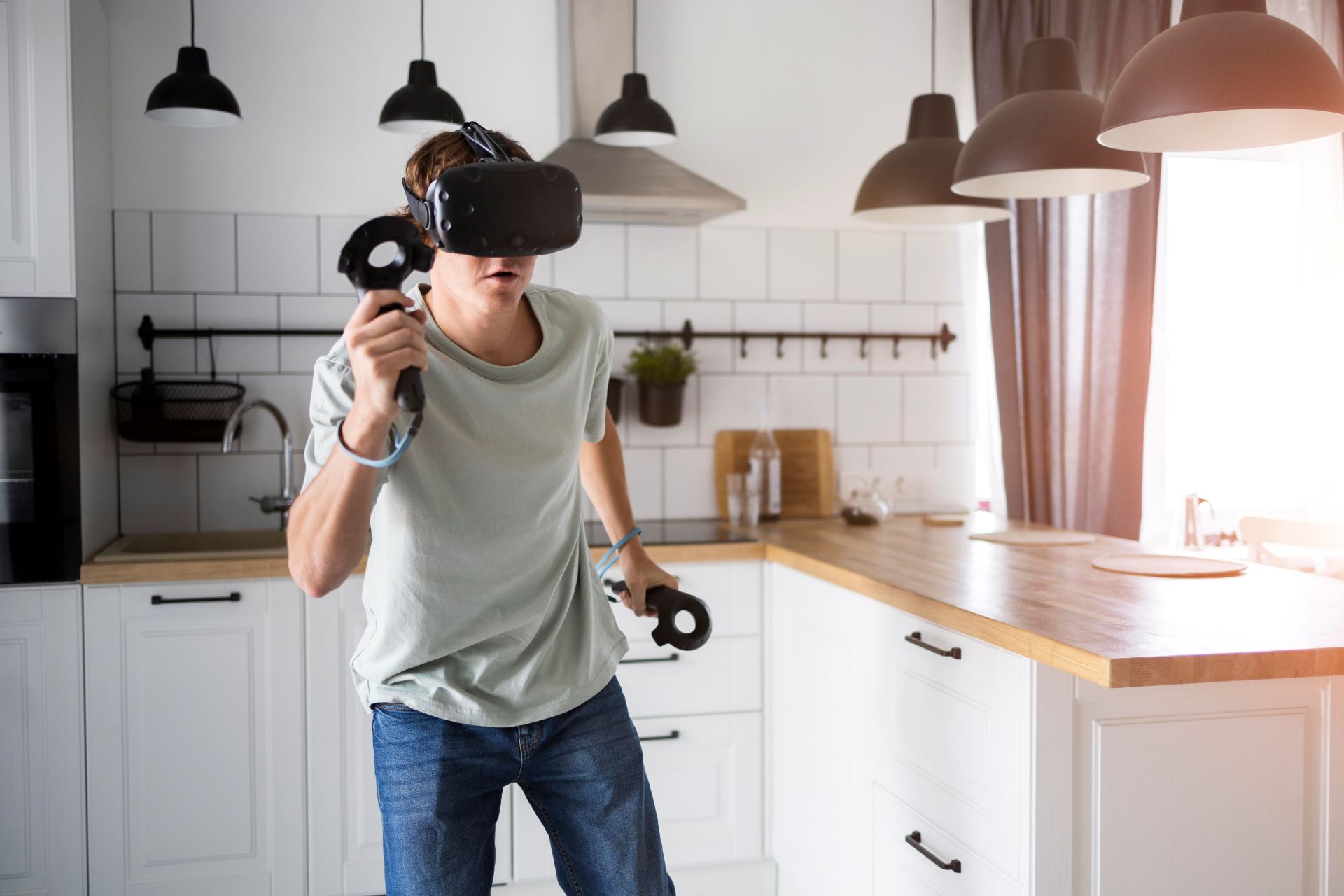
The first step in creating a home VR environment is evaluating your available space. VR requires a dedicated area where you can move freely without risk of colliding with furniture, walls, or other household members. Even a modest space of 2x2 meters can suffice for many VR experiences, but larger rooms provide more freedom for full-body tracking and active games. High ceilings, soft lighting, and minimal clutter create an environment where sensors can function without obstruction, and your body has room to move naturally.
Consider the layout of your furniture and obstacles. Items with sharp edges or breakable surfaces should either be relocated or padded. Flooring matters too—slippery surfaces or loose rugs can increase the risk of accidents during fast-paced VR interactions. Some enthusiasts invest in VR-specific flooring solutions, such as foam mats or anti-slip tiles, which provide both comfort and safety during long sessions.
Ensuring Safety First
Safety is paramount when it comes to VR. Headsets can limit your peripheral vision, making it easy to underestimate the proximity of objects around you. Establishing clear boundaries with room-scale VR systems helps prevent collisions. Many headsets now offer virtual boundary systems that visually alert you when you approach the edge of your play area, but supplementing these digital alerts with physical markers can provide an extra layer of precaution.
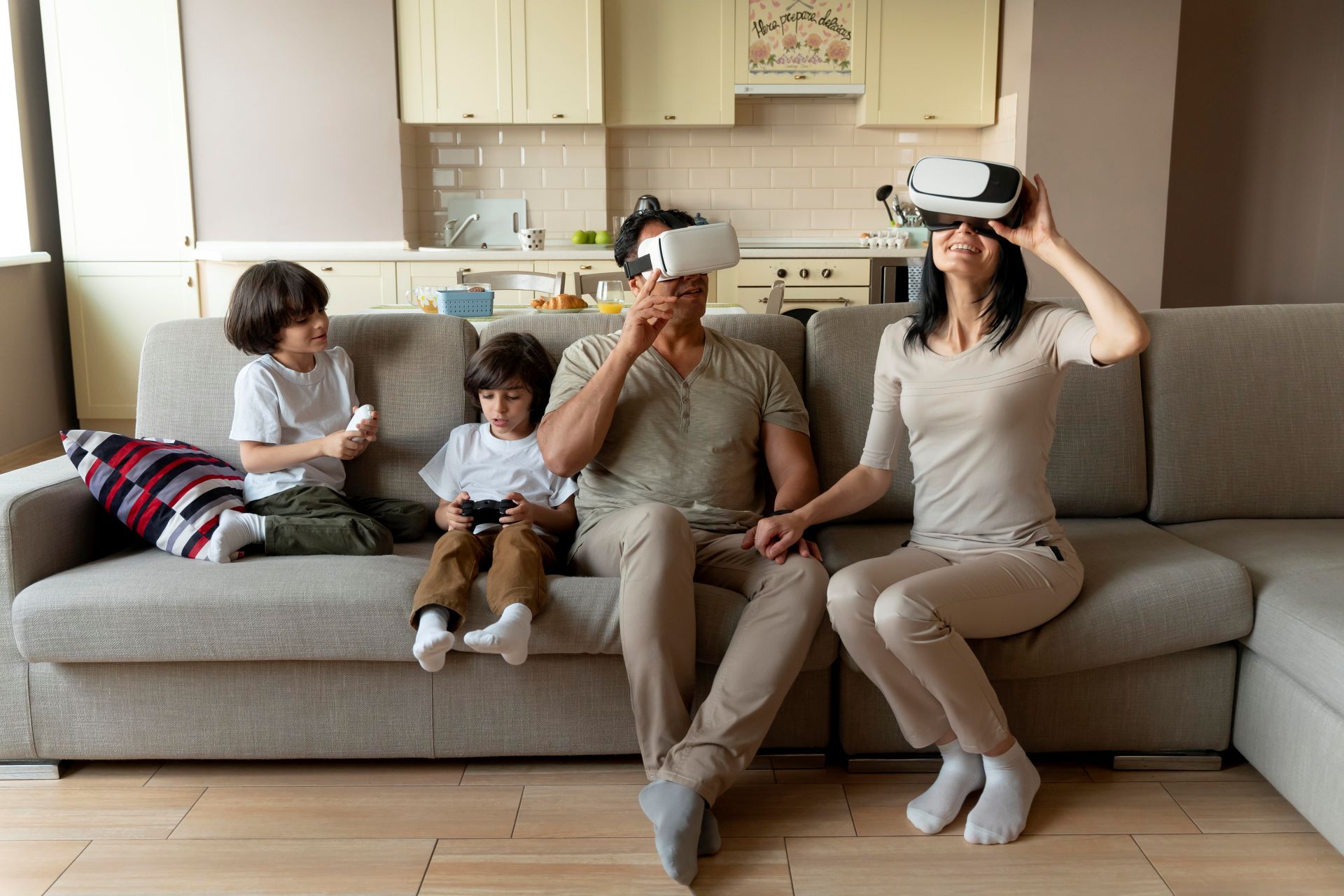
Cable management is another critical safety aspect. Wires from headsets, sensors, or charging stations can create tripping hazards. Mounting sensors on walls, using ceiling hooks, or investing in wireless solutions can minimize clutter and reduce accidents. It’s also important to keep pets and small children away from your VR zone to prevent unexpected interruptions that could lead to injury.
Optimising VR Performance
Beyond safety, a VR space should be optimised to ensure smooth and immersive performance. Proper lighting can reduce tracking issues and enhance headset sensors’ ability to detect motion accurately. Avoid direct sunlight or reflective surfaces in your VR area, as these can interfere with tracking. Additionally, room temperature and ventilation play a role in comfort; VR sessions can become physically demanding, and overheating can affect both the equipment and the user.
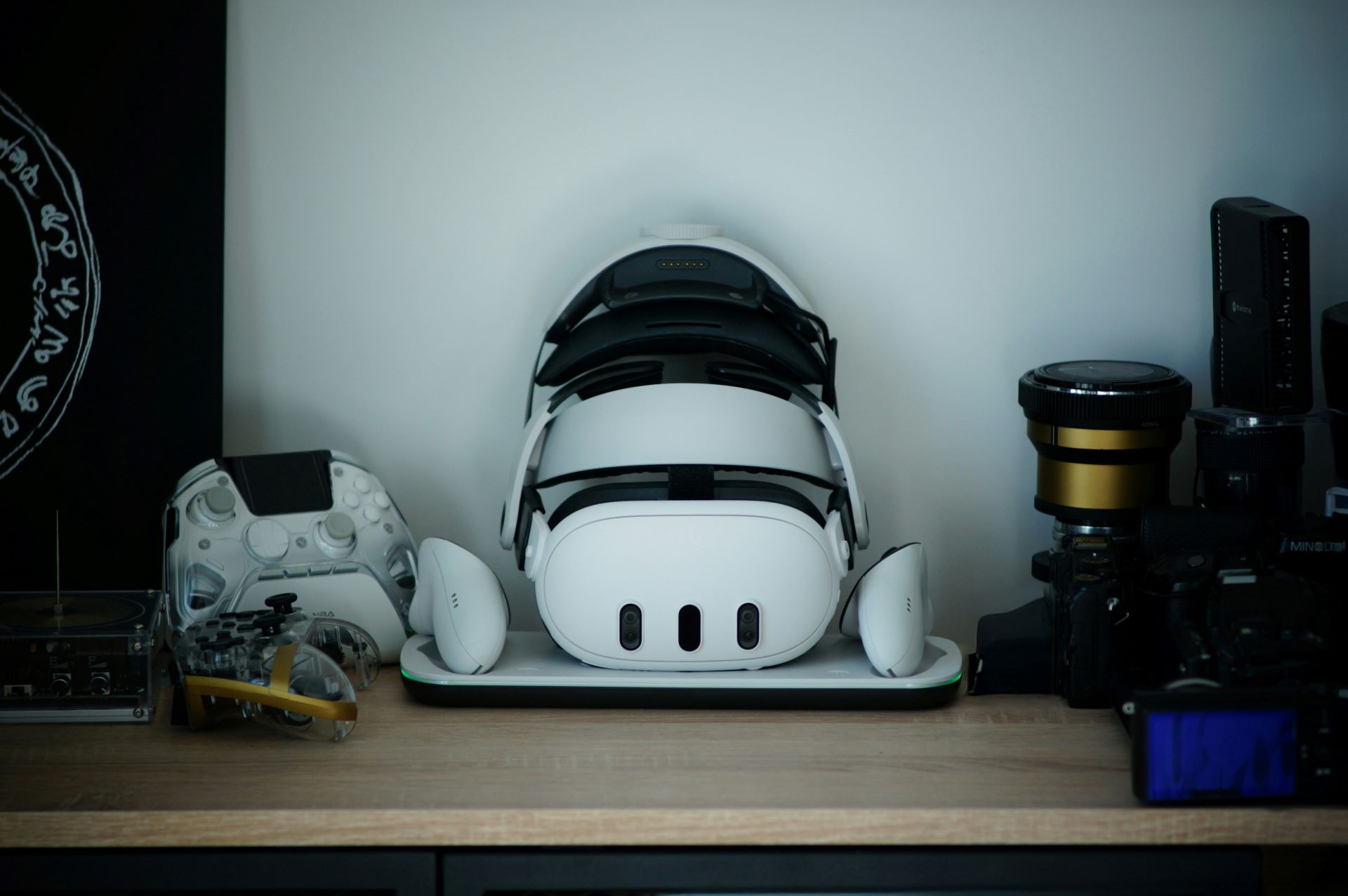
Furniture placement, cable routing, and accessory storage should be carefully considered. Keeping controllers, headsets, and tracking devices in easy-to-access spots reduces downtime and maintains the flow of your experience. Many users find wall-mounted racks or dedicated shelving units ideal for organising equipment while keeping the play area free of obstacles.
Customising for Comfort
Long VR sessions demand ergonomic considerations. Adjustable head straps, prescription lens inserts, and comfortable padding improve wearability and reduce strain on the neck and eyes. Investing in a chair or stool designed for VR experiences can provide support for seated games or flight simulators. Anti-fatigue mats and wrist support for controllers also add subtle comfort benefits that enhance immersion and reduce fatigue over time.
Acoustic considerations shouldn’t be overlooked. Sound design is integral to the VR experience, and room acoustics can influence how immersive your session feels. Using soft furnishings, wall panels, or rugs can improve audio clarity and prevent unwanted echoes, enhancing both gaming and simulation experiences.
Planning for Expansion
As VR technology evolves, your setup should be flexible enough to accommodate upgrades. New headsets, motion tracking peripherals, or haptic feedback devices may require additional space, mounting solutions, or wiring. Planning your layout with modularity in mind allows you to adapt easily without a full overhaul. Regularly reviewing your VR area for safety, wear and tear, and space efficiency ensures it remains an optimal environment over time.
A VR space isn’t just about hardware; it’s a blend of technology, ergonomics, and personal expression. Some enthusiasts personalise their rooms with ambient lighting, themed décor, or interactive walls to heighten immersion. Others focus purely on efficiency and minimalism, removing distractions and maximising floor space. Both approaches can be effective, as long as safety and optimisation remain priorities.
Maintaining Your VR Environment
Maintenance is an ongoing requirement. Headsets and controllers need cleaning, lenses require protection from scratches, and motion tracking sensors must remain unobstructed. Dusting, cable inspections, and recalibrating sensors periodically preserve performance and prolong device life.
Additionally, reviewing your play area regularly for furniture changes, loose wires, or new household obstacles helps prevent accidents. Incorporating VR routines into household awareness ensures that everyone in your home understands the boundaries and respects your dedicated VR space.